
Argentina Streetwear Messi #10 soccer jersey Yellow Argentina Football with Logo Accent
$16.00
Overwhelmed by the number of products on Chinese shopping platforms? Our kakobuy expert team tests, reviews, and curates the best products across every category. We provide honest, unbiased reviews, detailed product comparisons, and exclusive recommendations to help you make informed purchasing decisions. Save time and avoid scams with our trusted shopping guides.
Fresh index
Argentina Streetwear Messi #10 soccer jersey Yellow Argentina Football with Logo Accent
$16.00
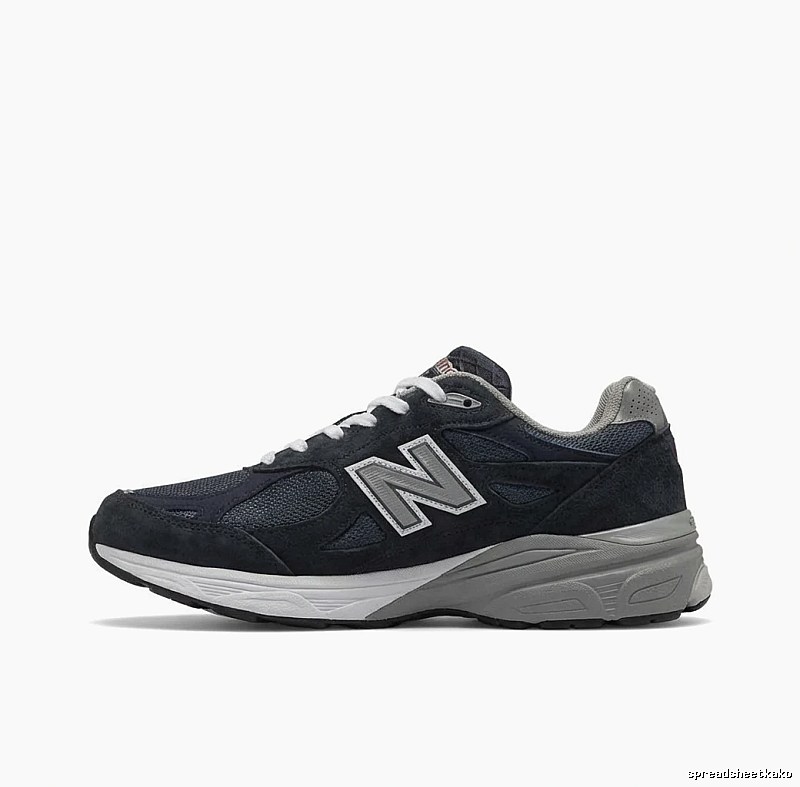
New Balance 990 Series Retro Black and Gray Sports Shoes
$49.90
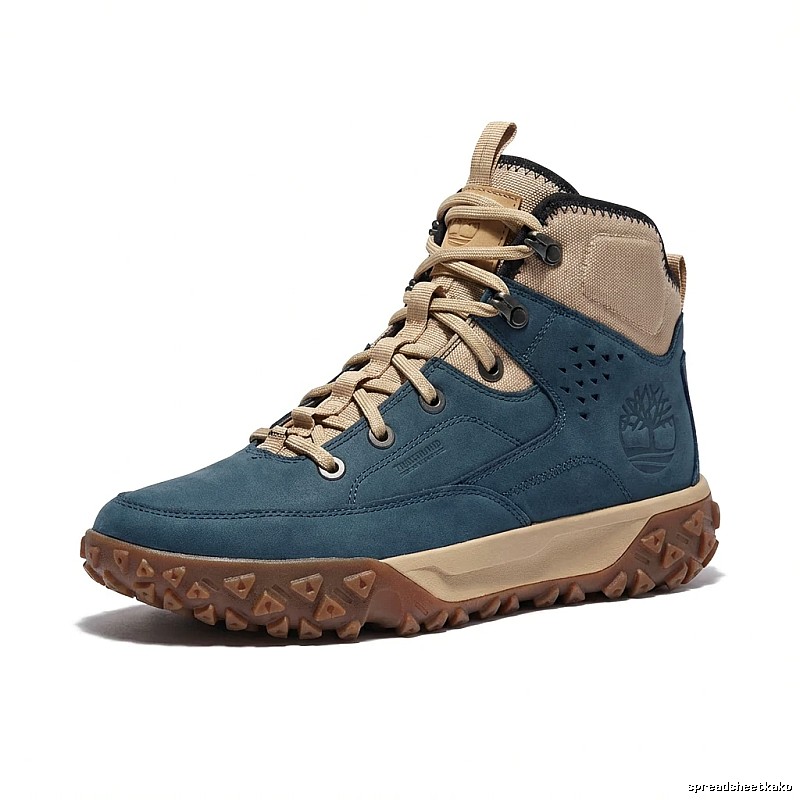
Timberland Outdoor High - Top Dark Blue Boots
$55.53
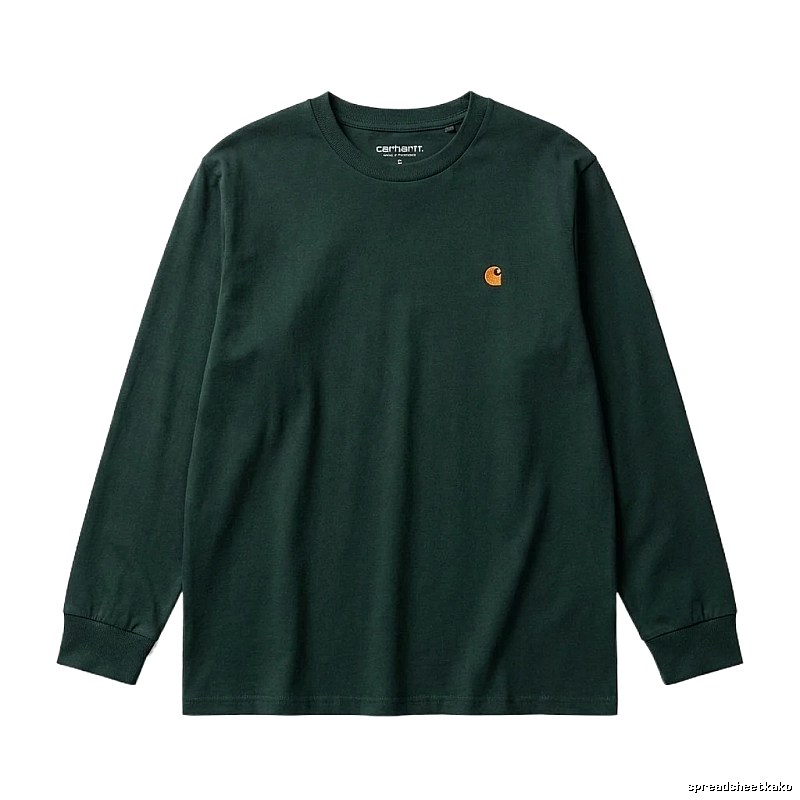
Carhartt basic simple dark green sweatshirt
$19.77
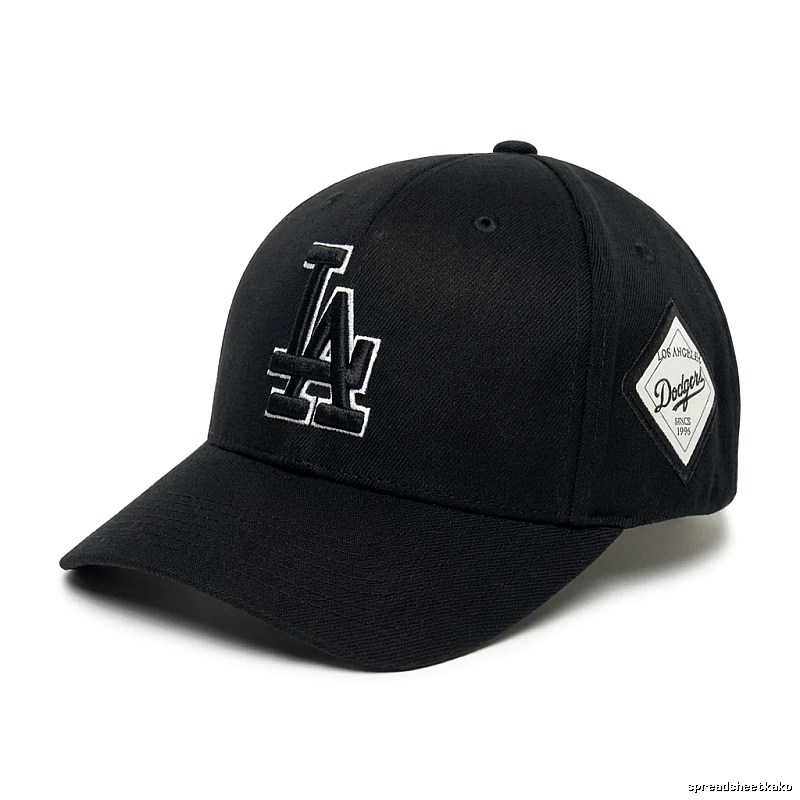
MLB Dodgers black baseball cap
$15.00
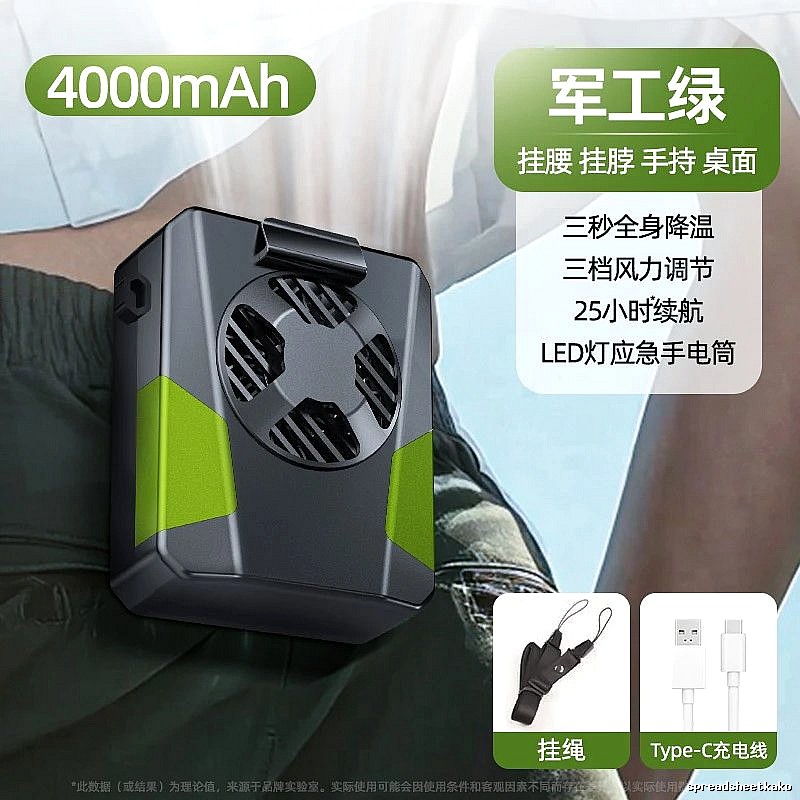
Room Mini Portable Fan For Desk Cooling Green
$18.09
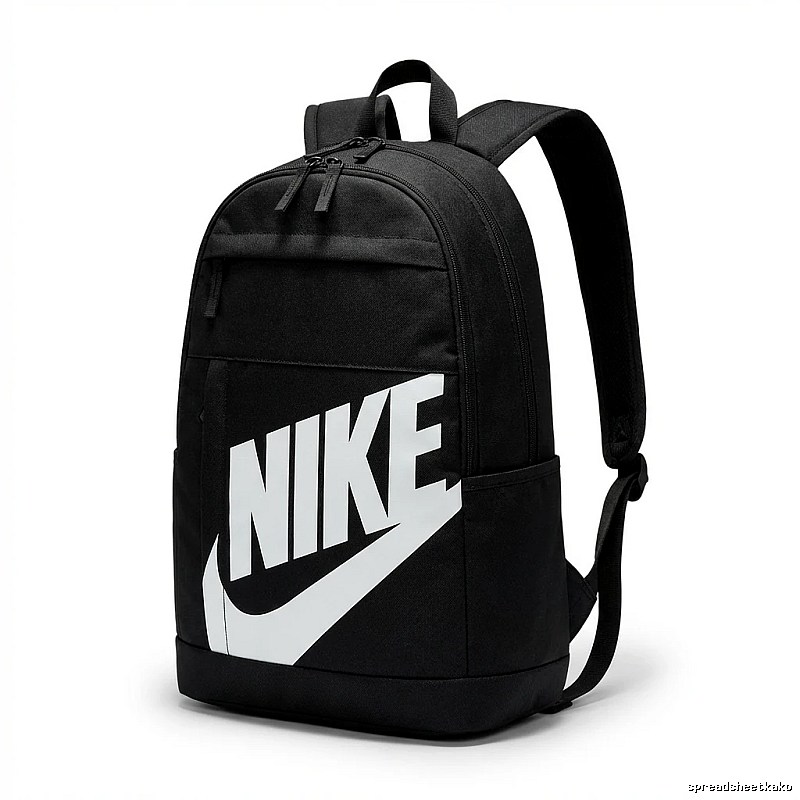
Nike minimalist style black backpack
$21.59
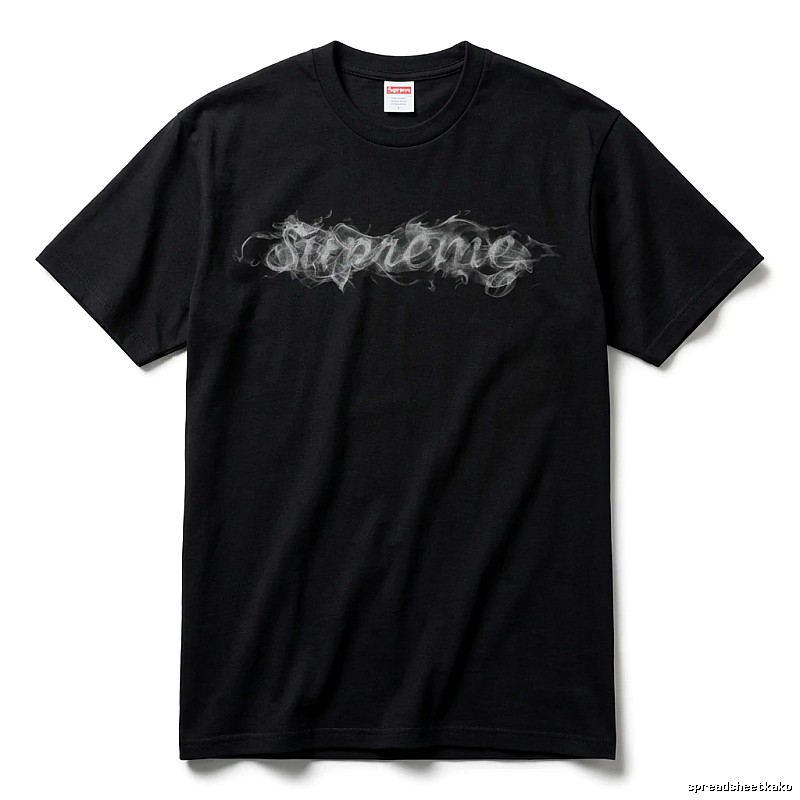
Supreme Smoke Style Black T-shirt
$12.75
Welcome to Kakobuy!
Kakobuy (Official website: spreadsheetkako.com) is a professional Chinese product purchasing service platform. This article provides a detailed operational guide on how to search for products, submit links, and choose payment methods on Kakobuy, helping you master the entire cross-border purchasing process with ease.
The Kakobuy spreadsheet is a convenient tool for users to find and browse Chinese products. Unlike traditional Google Sheets, Kakobuy uses a website-based spreadsheet format with faster loading and no stuttering.
1. Access the Kakobuy Spreadsheet
Log in to your Kakobuy account
Click on "Spreadsheet" in the navigation bar
Enter the spreadsheet page
Enter keywords in the search box (e.g., "Nike shoes," "iPhone case," etc.)
Click the "Search" button or press Enter
Browse the search results and click on products that interest you to view details
3. Browse by Category
On the spreadsheet page, you can see product categories (such as clothing, footwear, electronics, etc.)
Click on a category name to browse all products under that category
Use the filter function to filter products by price, sales volume, ratings, and other criteria
4. Image Search (Powerful Feature)
Click the "Image Search" button on the spreadsheet page
Upload the product image you want to search for
The system will automatically recognize the product in the image and search for similar or identical products on Taobao, Tmall, and other platforms
This feature is especially useful when you only have a product image but don't know the product name
If you've already found the product you want on Taobao, Tmall, 1688, or JD.com, you can use the link-based purchasing feature.
1. Copy the Product Link
Find the product you want on Taobao, Tmall, 1688, or JD.com
Copy the URL of the product page
2. Paste the Link on Kakobuy
Log in to your Kakobuy account
Find the "Paste Link" input box on the homepage or search page
Paste the copied product link into the input box
Click the "Search" or "Fetch" button
3. View Fetched Results
The system will automatically fetch product information, including product name, price, images, details, etc.
After confirming the fetched product information is correct, click the "Confirm" button
Go to the product details page, select specifications and quantity, then place your order
Submitting product links is an important step in the purchasing process. Kakobuy provides a simple and easy-to-use link submission feature.
Log in to your Kakobuy account
At the top of the homepage, you will see an input box for "Paste Link" or "Link"
Click on the input box to prepare for pasting the product link
2. Paste the Product Link
Paste the product link you copied from Taobao, Tmall, 1688, or JD.com into the input box
Ensure the link is complete and correct
3. Submit the Link
Click the "Search" or "Fetch" button
The system will begin fetching product information, which usually takes a few seconds
4. Confirm Product Information
After fetching is complete, the system will display product information including name, price, images, details, etc.
Carefully review the product information to ensure it is the product you want
If information is incorrect, you can resubmit the link
5. Proceed to Checkout
After confirming the product information is correct, click the "Confirm" or "Buy Now" button
Go to the product details page, select the specifications (such as color, size, etc.) and quantity you need
Click "Add to Cart" or "Buy Now"
Go to the checkout page, fill in the shipping address, choose a payment method, and complete the payment
User Guide 3: What Payment Methods Are Available? How to Choose the Right One?
Kakobuy supports a variety of international payment methods to make your payment process convenient and secure.
Supported Payment Methods:
1. PayPal
Advantages: Secure, convenient, supports multiple currencies
Best for: Global users with PayPal accounts
How to use: Select PayPal on the checkout page, redirect to the PayPal login page, log in and confirm payment
2. International Credit Cards (Visa/MasterCard)
Advantages: Widely accepted, supports multiple currencies
Best for: Users with Visa or MasterCard credit cards
How to use: Select credit card payment on the checkout page, enter card number, expiration date, CVV code, etc., and confirm payment
3. Bank Transfer
Advantages: Suitable for large payments, high security
Best for: Users who don't have easy access to PayPal or credit cards
How to use: Select bank transfer on the checkout page, get Kakobuy's bank account information, complete the transfer, then upload the transfer receipt on the Kakobuy platform
4. Local Payment Methods (Some Regions)
Advantages: Convenient, no international credit card required
Best for: Users in specific countries or regions
How to use: Depending on your region, you may see local payment options (such as Alipay International, WeChat Pay International, etc.)
Small payments: PayPal or credit card is recommended — quick and convenient
Large payments: Bank transfer is recommended — higher security
Local users: If local payment options are available, prioritize them as they may offer better convenience or promotions
During the purchasing process, you may encounter "replica" products. Here is Kakobuy's policy on replica products:
Replica products are items that mimic the design and style of authentic products but typically use different materials or craftsmanship, with prices much lower than the authentic versions.
No sale of counterfeit or inferior goods: Kakobuy strictly prohibits the sale of counterfeit or inferior products
Clear labeling of product nature: For replica products, Kakobuy will clearly label them on the product details page
Respect for intellectual property: Kakobuy respects the intellectual property of brands and will not sell products that infringe on others' intellectual property rights
Purchase Recommendations:
Carefully read product descriptions: Understand whether the product is authentic or a replica
Check seller reputation: Choose sellers with good reputations to reduce purchase risks
Read other buyers' reviews: Learn about other buyers' purchasing experiences and feedback
When choosing a purchasing platform, Kakobuy stands out with the following core advantages:
1. Image Search Function
The Kakobuy spreadsheet features a powerful image search. If you only have a product image but don't know the specific product name or link, simply upload the image to the Kakobuy spreadsheet and the system will automatically recognize the product and search for similar or identical items on Taobao, Tmall, and other platforms.
2. QC Photo Album Feature
Kakobuy provides free QC (Quality Control) photos for each product. These real photos are organized in the QC photo album. You can view these QC photos directly in the Kakobuy spreadsheet to confirm the product's true color, fabric texture, and craftsmanship details.
3. Multi-Platform Selection
Most spreadsheet websites only support single-platform navigation (e.g., only Taobao or only 1688), but the Kakobuy spreadsheet supports multi-platform browsing. You can browse products from multiple major Chinese e-commerce platforms including Taobao, Tmall, 1688, JD.com, and Pinduoduo all in the same spreadsheet.
4. Real-Time Exchange Rates
Kakobuy tracks platform exchange rate fluctuations and provides reference prices closest to the actual transaction rate. This means the price you pay is closer to the real exchange rate, avoiding hidden currency conversion fees.
Through this operational guide, you have learned how to search for products, submit links, and choose payment methods on Kakobuy. With its powerful spreadsheet tool, image search function, QC photo albums, multi-platform support, and real-time exchange rates, Kakobuy provides global users with a convenient, transparent, and efficient cross-border shopping experience.
Whether you are a first-time shopper or an experienced purchasing pro, Kakobuy has everything you need.
Directory
Guides
Visual match
Find products when titles or translations are unclear.
Guides
Short tips on agents, QC, and checkout routes.
Brands
Jump from brand pages into matching products.